
Last updated: November 19, 2026
Quick Answer: Use one benefits correspondence file with a dated paper stack and matching digital folder, and most caregivers can find a notice in under 1 minute. For How to organize benefits letters and approval notices for caregiving, put every insurance letter, benefits notice, claims correspondence, and coverage decision in one dated system. The steps below settle what to keep, where it goes, and how to find a renewal notice in under a minute.
Key takeaways
- Keep one file for approval letters, denial notices, renewal dates, and plan-name changes.
- Sort papers by type first, then by date, so old decisions do not hide current ones.
- Put the newest notice on top and keep the envelope or email header with it.
- Mark renewal dates in two places: on the letter and on your calendar.
- Use one label for each folder or digital stack, or you can lose the thread fast.
What belongs in a benefits correspondence file?
A benefits correspondence file keeps the paper trail that explains what a plan approved, denied, changed, or wants you to renew. If a letter affects caregiving coverage, it belongs here.
Picture this: you open a drawer and find three approval letters, two denial notices, and a renewal reminder from a plan with a name that changed last fall. You need the latest one, fast. The fix is a single file with clear sections, not a loose pile.
Keep these items together:
- approval letters
- denial notices
- coverage decision letters
- renewal or recertification notices
- plan-name changes
- appeal or reconsideration letters
- claims correspondence that explains a decision
Keep this file separate from bills and receipts. That keeps the stack cleaner and matches the job of this page in the caregiver paperwork and records organization hub. It also keeps you from mixing a notice about coverage with a bill you still need to pay.
The truth is, most people lose time because they file by sender, not by meaning. A letter from the same insurer can be a new approval, a denied service, or a renewal warning. Those are not the same thing.
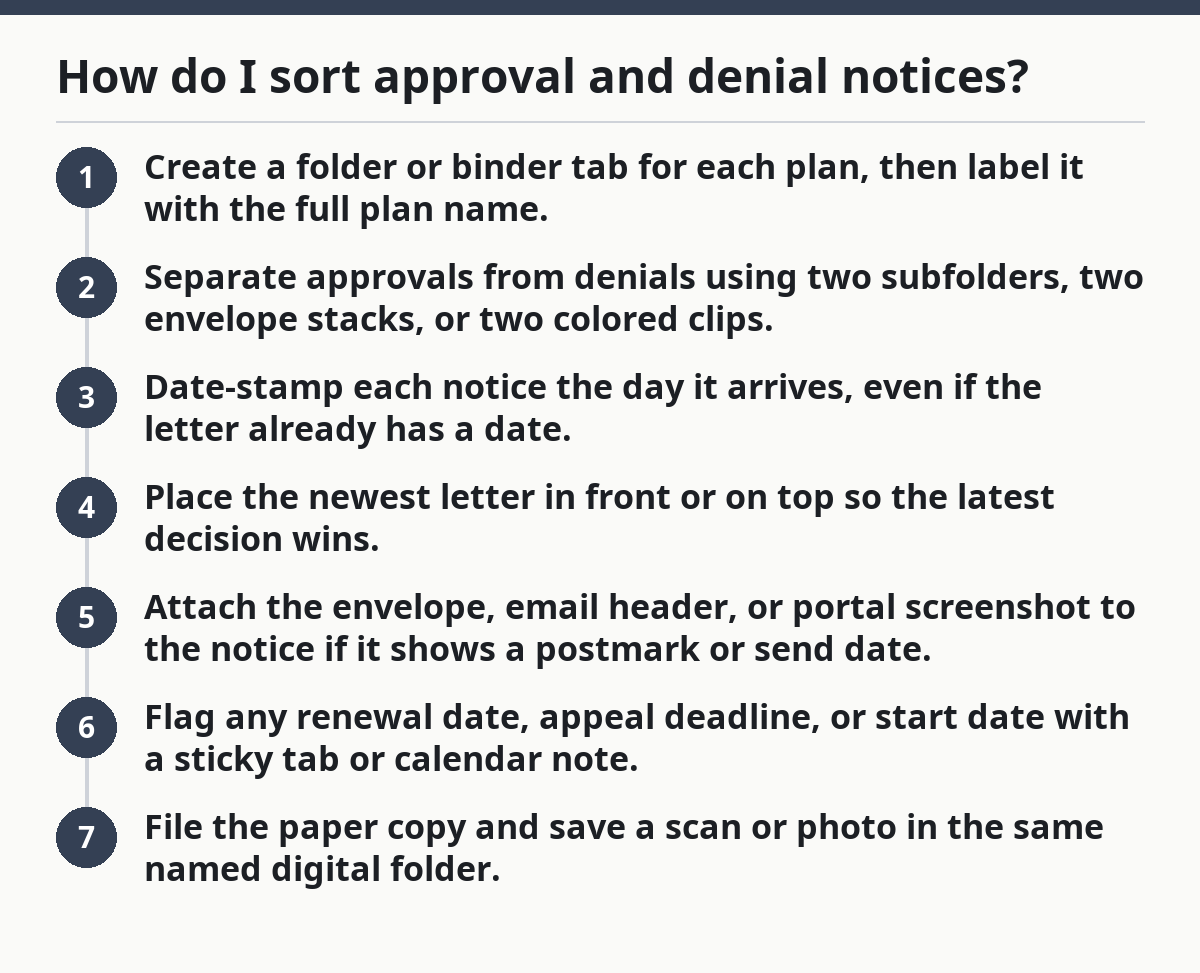
How do I sort approval and denial notices?

Sort approval and denial notices by type, date, and plan name so the newest decision is the first thing you see. That keeps you from acting on an old approval after the coverage has changed.
Picture this: you get a letter saying respite care is approved, but a later notice trims the same benefit. If both papers sit in one unsorted pile, you will miss the change. A 15-second system beats a deep clean every time.
Follow these steps:
- Create a folder or binder tab for each plan, then label it with the full plan name.
- Separate approvals from denials using two subfolders, two envelope stacks, or two colored clips.
- Date-stamp each notice the day it arrives, even if the letter already has a date.
- Place the newest letter in front or on top so the latest decision wins.
- Attach the envelope, email header, or portal screenshot to the notice if it shows a postmark or send date.
- Flag any renewal date, appeal deadline, or start date with a sticky tab or calendar note.
- File the paper copy and save a scan or photo in the same named digital folder.
A few practical rules keep this useful:
- One plan = one labeled stack.
- One decision = one divider.
- One date format = no guessing later.
- One place for active notices = no hunting across rooms.
Now, you might be wondering whether a denial notice belongs with approvals. It does, if it changes what caregiving coverage looks like. A denial is not dead paper; it explains what was refused, what may still be covered, and what you may need to appeal.
The fastest folder setup for paper and digital copies
Use the same naming pattern for paper and digital copies so you can find a letter in under 1 minute. If the paper says one thing and the file name says another, the system fails the first time you are in a hurry.
Picture this: you are on hold with a plan rep and need a decision letter from March. You have 30 seconds before the call drops. The right setup lets you pull the same notice from a folder, a binder, or your phone without guessing.
Use a simple structure:
- Paper: one accordion file, binder, or drawer file with tabs for each plan
- Digital: one main folder with subfolders by plan and year
- File name:
PlanName_NoticeType_YYYY-MM-DD - Scan quality: readable text, full page, no cut-off bottom corners
A clean file name matters because many notices look alike. A coverage decision from January and a renewal notice from June can have the same sender and nearly the same subject line. Dates break the tie.
Keep your paper and digital versions matched in the same order. If the binder has tabs for 2024 and 2025, the digital folder should do the same. That makes it obvious where a notice belongs when a new letter arrives in a plain white envelope.
You do not need fancy software. A phone camera, a scanner app, and a labeled folder are enough. What matters is consistency, not gear.
What details should I write on each notice?

Write the plan name, member name, service name, effective date, and renewal date on each notice so the paper tells you its job at a glance. Those five details do the work when the letter itself is crowded with fine print.
Picture this: you are holding two letters from the same insurer, both about home care. One is an approval for a 90-day period, and one is a renewal warning with a new date. A few words in the margin prevent a wrong call later.
Mark these details at the top corner or on a sticky note:
- plan name
- person covered
- service or benefit name
- approval or denial date
- start date or effective date
- renewal date
- appeal deadline, if shown
Keep your notes short. “Home care approved through 8/31” works better than a full sentence copied from the letter. Short notes are easier to read when a stack is thick.
If the notice has a reference number, write it near the title. That number can help you match the paper to a call log or portal message without rereading the whole page.
How do I handle renewal dates and plan changes?
Track renewal dates and plan changes in the file and on a calendar the same day the letter arrives. That way, a 30-day or 60-day window does not slip past while the paper sits in the pile.
Picture this: a benefits notice says a caregiving service needs recertification next month, but the letter ends up behind a prescription printout. The deadline passes, and the plan treats the benefit as expired. If you are unsure how a plan handles a deadline, consult the plan, the coverage documents, or a benefits counselor before you rely on the notice alone, because rules can vary by plan and situation. That is the costly mistake this system helps prevent, and you can verify deadlines through the plan or official guidance such as Medicare’s appeal and coverage rules at https://www.medicare.gov/claims-appeals/how-do-i-file-an-appeal.
Use a two-step habit:
- Circle the renewal date or end date on the notice.
- Enter the date in a paper calendar, phone calendar, or task app with a reminder a week before.
If the plan changes its name, writes a new member ID, or moves the service to a new department, keep the old letter with a note that says “same plan, new name” or “new ID used after 4/1.” That keeps old and new paperwork connected.
Do the same with coverage decisions that say “approved for now” or “subject to review.” Those phrases mean the file needs a follow-up date, not just a place in the drawer.
Common mistakes that make letters impossible to use
The wrong system turns a useful notice into dead paper, and the biggest mistake is filing by sender only. A letter from the same insurer can still be the wrong letter if it is a denial, not an approval.
Picture this: you keep every insurance letter in one stack because it feels tidy for a month. Then a renewal notice slides behind an old approval, and you keep using stale paperwork. The cost can be missed deadlines, duplicate calls, and confusion at the worst time.
Avoid these traps:
- Mixing years in one stack. A 2023 denial can look like current coverage if it sits beside 2025 notices.
- Skipping dates. Without a date, a stack becomes a guess.
- Throwing away envelopes. Postmarks and mailing dates can matter.
- Using vague labels. “Insurance” is not enough. “Health plan approvals 2025” is.
- Leaving portal messages unfiled. Digital notices count too.
Use one rule for every notice: if it changes coverage, it gets filed the same day. That one habit saves more time than any fancy binder ever will.
What to keep with the letters and what to keep elsewhere
Keep the benefits correspondence file focused on decisions, not on every caregiving paper you own. That boundary makes the file usable when you need one answer fast.
Picture this: you open the folder and find bills, receipts, progress notes, and half a dozen benefit letters. Now you have a pile, not a system. The fix is simple separation.
Keep here:
- approval and denial letters
- renewal notices
- appeal letters
- plan updates
- claims correspondence about coverage decisions
Keep elsewhere:
- invoices and receipts
- mileage logs
- medical charts
- tax paperwork
- daily care notes
This split matters because each paper has a different job. A coverage decision answers “is this service approved?” A bill answers “what was charged?” Put those in the same place and the file starts lying to you.
If you already have a broad caregiver binder, use this file as one section inside it, not a catch-all. That keeps the paper trail clean without forcing you to build a whole new system.
What should I do when a letter is unclear?
Because a notice can be vague, call the plan and save the call note when it uses missing dates or a coverage term you cannot match to the service. A confusing letter is still a record, but it is not a clear instruction.
Picture this: a notice says a benefit is “under review” and gives no end date. That is not enough to act on. The file should hold the letter and your follow-up note together so the next person who opens it sees the full story.
Write down:
- the date you called
- the phone number or portal message thread
- the person or department you reached
- the answer you got
- any new reference number
Keep the new note with the original letter. If the plan sends a replacement notice, keep both. The old one explains where the change started, and the new one shows what replaced it.
A good file does not erase confusion; it records how the confusion got resolved.
What letters should I keep for caregiving benefits?
Keep approval letters, denial notices, renewal notices, coverage decision letters, and any plan message that changes the terms of a caregiving benefit. Keep appeal letters too, if you asked the plan to review a decision. If a letter changes what care is covered, it belongs in the file.
How long should I save insurance notices?
Save insurance notices as long as they may affect active caregiving coverage or an open question about coverage. Keep older letters if they explain a current benefit, a renewal cycle, or an appeal still in motion. If you are unsure, keep the notice rather than toss it.
How do I store approval and denial letters?
Store approval and denial letters in the same benefits correspondence file, but separate them into different sections by plan and type. Put the newest notice on top and keep the date visible. A paper copy and a digital scan with the same file name make the letter easier to find later.
Drafted with AI; not yet reviewed by a person.