
Last updated: November 19, 2026
Key Takeaways
- Assign one caller, one backup, and one message path before a caregiving emergency starts.
- Use a short call order so nearby and distant relatives know who acts first.
- Send only what changed, what is needed now, and who handles the next step.
- Split provider calls, sibling updates, and backup coverage across different people.
A caregiver phone tree is a simple way to organize fast family communication when a care plan changes, a backup is needed, or there’s a sudden disruption. This guide on how to build a caregiver phone tree for fast family communication shows how to set one caller, a short list, and clear roles so the right people are notified quickly. The steps below show who calls first, what each person says, and how to keep siblings from getting duplicate calls.
What a caregiver phone tree does when time is short
Picture this: you get a call at 6:20 a.m. and the usual plan is already off the rails. You need one system that tells the family what happened, who handles the first reply, and who follows up with the primary doctor or care manager. That is the job of a caregiver phone tree.
The basic rule is simple: one person starts the chain, each person has a next call, and each role is written down before the emergency. A phone tree is not a family group chat with 18 replies. It is a fast call order with clear backups, usually built for the first 10 to 30 minutes of a disruption.
Use a phone tree when the need is immediate and the facts are still changing. It works best for a family caregiver, a sibling, a backup contact, and a care manager who all need different instructions. It is also the right tool when you want after-hours instructions ready before anyone panics.
A good caregiver phone tree should answer three questions right away:
- Who gets the first call?
- Who handles provider contact?
- Who updates the rest of the family?
If those three answers are blurry, the tree will fail under pressure.
How do you organize family updates during caregiving emergencies?
You organize family updates during caregiving emergencies by assigning one caller, one backup, and one message path before anything goes wrong. That keeps the first 15 minutes from turning into six separate calls with six different versions of the same problem.
Start with the people who must know first. For most families, that means the primary caregiver, one backup contact, one sibling who can make decisions, and any care manager already involved. If a primary doctor needs to be called, that job should be named too, not assumed.
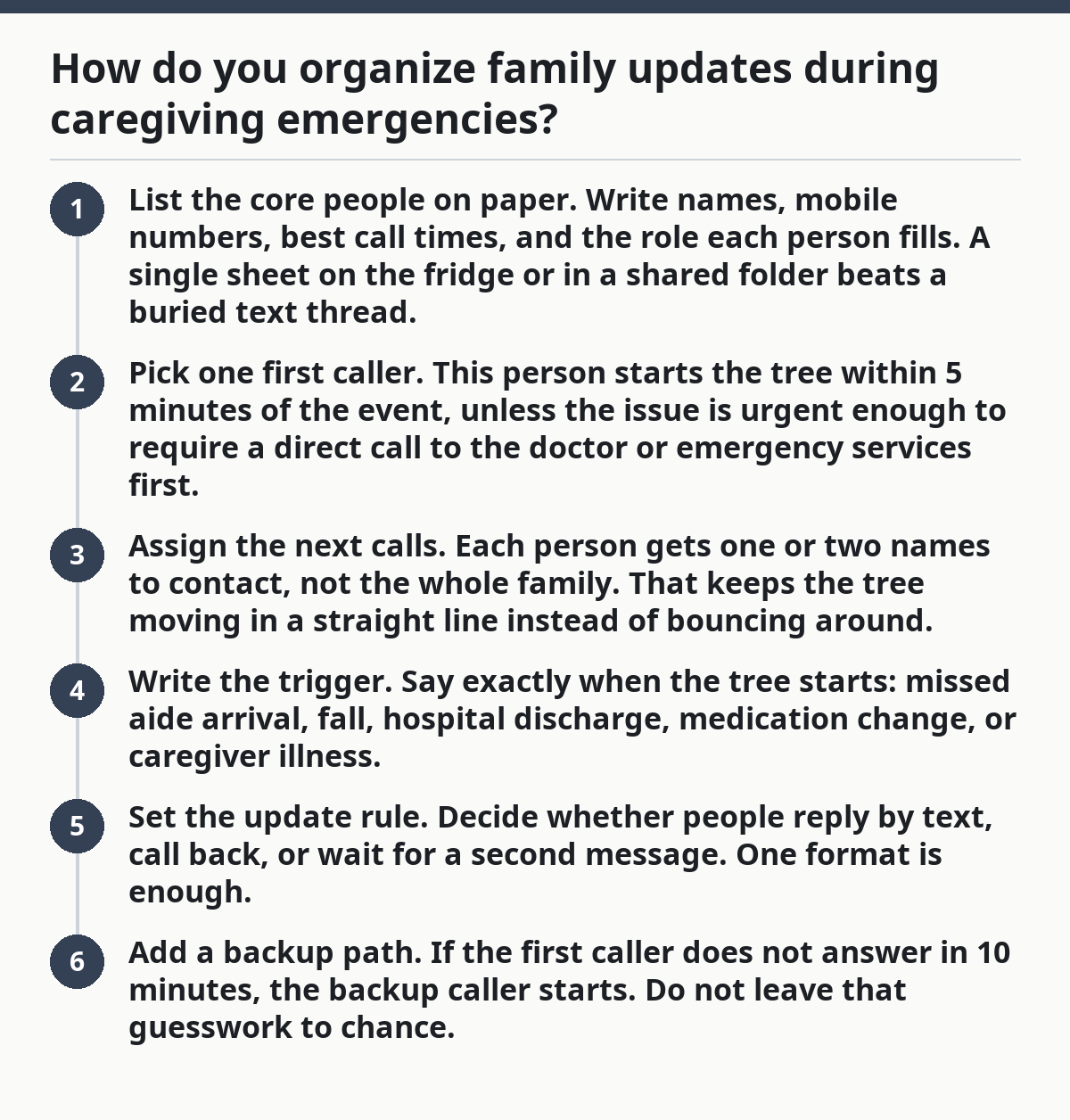
- List the core people on paper. Write names, mobile numbers, best call times, and the role each person fills. A single sheet on the fridge or in a shared folder beats a buried text thread.
- Pick one first caller. This person starts the tree within 5 minutes of the event, unless the issue is urgent enough to require a direct call to the doctor or emergency services first.
- Assign the next calls. Each person gets one or two names to contact, not the whole family. That keeps the tree moving in a straight line instead of bouncing around.
- Write the trigger. Say exactly when the tree starts: missed aide arrival, fall, hospital discharge, medication change, or caregiver illness.
- Set the update rule. Decide whether people reply by text, call back, or wait for a second message. One format is enough.
- Add a backup path. If the first caller does not answer in 10 minutes, the backup caller starts. Do not leave that guesswork to chance.
The best caregiver phone tree is narrow, not long. A 4-person chain usually works better than a 12-person blast because it reduces repeats and keeps one person in control of the message.
Build the call order before the crisis
Picture this: you are calm now, which is the only time to decide who should speak first, who should repeat the message, and who should not be called at 2 a.m. The order matters because the wrong sequence creates confusion, especially when a sibling lives nearby and another lives 2 time zones away.
Build the call order with the urgent people first and the information-only people later. The tree should match the task, not the family politics. A sibling who can drive across town may need to know before a distant relative who wants an update but cannot act.
Put the names in four buckets:
- Decision maker: the person who can approve a next step.
- Local helper: the person who can bring clothes, food, or a charger.
- Update-only relative: the person who wants to know, but does not act.
- Backup contact: the person who takes over if the first caller is unavailable.
A clear call order also helps with caregiver phone tree after-hours instructions. If the disruption happens at 11 p.m., the phone tree should say who gets a call, who gets a text, and who waits until morning. That keeps one sibling from waking everyone for a minor scheduling change.
The truth is, families often skip this part because it feels awkward. It’s not awkward in a crisis. It is a 5-minute conversation that saves 30 minutes of repeat calls later.
What should the message say?
The message should say what changed, what is needed now, and who is handling the next step. Short beats warm here. A family member does not need a speech; they need the facts in one pass.
Use a 3-part script:
- What happened: “The aide is out sick.”
- What it means: “Morning coverage is not in place.”
- What to do next: “Please call me back by 8:30 a.m. if you can take the shift or help find coverage.”
Keep it under 60 seconds if spoken and under 4 short lines if sent by text. If the primary doctor, care manager, or agency has to be contacted, name that in the script so nobody assumes someone else did it.
Here are two templates you can copy and edit:
Urgent family text
Care update: the usual plan changed this morning.
I’m calling the first backup now.
Please reply only if you can take a role or need the details.
I’ll send one follow-up when I know the next step.
After-hours message
I’m sending this after hours because the care plan changed tonight.
No one needs to call back unless you are the backup person on the list.
I’ll update everyone again at 8 a.m. tomorrow.
Avoid long explanations, blame, and side stories. Those belong in another conversation. The phone tree works because it strips the message down to the part that matters in the first 10 minutes.
Who handles providers, siblings, and the backup contact?
The roles should be split so one person talks to providers, one person updates siblings, and one backup contact fills gaps when the first person is busy. That division can help prevent duplicate calls and may reduce confusion, but families should confirm the plan with a professional or care team when possible, especially if medical decisions are involved. The family from guessing who owns the next move.
The provider contact should be one named person, not “whoever gets there first.” If a primary doctor, home care office, or care manager is involved, the family needs one caller who speaks for the household and writes down the response. That caller should be calm, reachable, and able to repeat the facts without drifting. For general caregiving coordination, the National Institute on Aging recommends writing down key contacts and keeping them easy to find. https://www.nia.nih.gov/health/caregiving
The sibling update role is different. This person may not be the decision maker, but they keep the rest of the family from calling every 20 minutes. A sibling who lives nearby can also be the person who gets the second call if in-person help is needed. If the family uses a shared contact list, the AARP caregiver resources are useful for organizing roles and communication. https://www.aarp.org/caregiving/
The backup contact should not be the same person as the first caller. If one person is sick, driving, or stuck in a meeting, the backup steps in within 10 minutes. That single swap keeps the whole tree alive.
A clean split looks like this:
- Caller 1: sends the first alert.
- Caller 2: contacts the primary doctor or care manager if needed.
- Caller 3: updates siblings and other family members.
- Caller 4: handles local tasks if someone needs to go in person.
If one person is doing all four jobs, the tree is not really a tree. It is a bottleneck.
How to keep the tree working after 9 p.m. and on weekends
Picture this: the problem starts late, the office is closed, and two relatives are asleep while one sibling is already texting everyone. After-hours instructions stop that mess by telling the family exactly what happens between 9 p.m. and 7 a.m.
Write the after-hours rule into the tree. State which problems wait until morning, which ones trigger the phone tree at once, and which person is allowed to wake the rest of the family. A medication question may wait until morning; a fall, breathing problem, or missed critical shift does not.
Put those instructions next to the phone numbers, not in a separate notebook no one opens. A fridge sheet, shared note, or printed page in the care folder works better than memory. If the family uses voicemail, the message should name the backup contact and the time of the next update.
This is also where a family caregiver should set expectations with siblings. If one person is the night contact, the other relatives should not call that person every 15 minutes for confirmation. One update at the start, one update after the next step, and one final update is enough unless the situation changes again.
A phone tree that works on Tuesday at 2 p.m. but breaks on Saturday night is not finished. It needs the same clarity at the edges.
Common mistakes that break a caregiver phone tree
A caregiver phone tree breaks when too many people think they are the point person, or when nobody knows who updates whom. The result is duplicate calls, mixed messages, and one tired sibling answering the same question all day.
The most common mistakes are easy to spot:
- Too many first-call people: everyone starts calling at once, which creates noise instead of order.
- No backup contact: one absent person stops the whole chain.
- Vague roles: “someone should tell Mom’s side of the family” means nobody will.
- No after-hours rule: late-night changes turn into all-night phone traffic.
- Long message scripts: the key facts get buried under explanation.
Each mistake costs time. A confusing tree can take 20 extra minutes to settle, which is a long delay when a family is trying to arrange help or reach a care manager. The fix is to narrow the list and make each role boringly specific.
Use one written page and review it every 3 months, or after any major care change. That is enough for most families. If the care situation changes often, update it sooner.
The truth is, a phone tree fails when it tries to do too much. Keep it short.
What should go in the written caregiver phone tree?
The written caregiver phone tree should fit on one page and include names, numbers, roles, and the trigger that starts the call chain. If it takes more than a minute to read, it is too long.
Include these items:
- Full name and cell number for each person
- Role of each person
- Backup for each role
- Best time to call
- Text or call preference
- The exact trigger for starting the tree
- After-hours rule
- The person who contacts the primary doctor or care manager
A simple format works well:
- Trigger
- First caller
- Backup caller
- Provider contact
- Sibling update
- After-hours instructions
If you want a model, keep the language plain: “If the morning aide cancels, call Person A first. If Person A does not answer in 10 minutes, Person B starts the tree.” That is clearer than a paragraph full of soft language.
For more crisis planning pieces that fit around this one, the hub on caregiver crisis planning is the right next stop. It keeps the bigger plan in one place without turning this page into a catch-all.
How do you organize family updates during caregiving emergencies?
You organize family updates during caregiving emergencies by naming one caller, one backup, and one update path before the emergency starts. That keeps the message from being repeated in different versions across the family. A short written tree, plus a 10-minute backup rule, is usually enough for fast coordination.
What is the easiest way to tell everyone about a care change?
The easiest way to tell everyone about a care change is a short text that says what changed, what happens next, and who should reply. Keep it to the people who need the information or a role. A 3-line message is easier to follow than a long call that drifts into details.
How do I stop repeated calls during a crisis?
You stop repeated calls during a crisis by assigning one sibling or family member to send updates and telling everyone else not to call for the same information. A clear after-hours rule helps too. If the tree says “one update at start, one after the next step,” the rest of the family knows when to wait.
Drafted with AI; not yet reviewed by a person.